

Most themes stop at posts. Attegi also designs the pages around them: a visual index of your topics, a blogroll, and a 404 page that points somewhere useful. Two of them take a minute to set up; the third needs nothing at all.
| Page | How to turn it on | Try it |
|---|---|---|
| Tags | A page with the URL tags |
/tags/ |
| Links | A page with the URL links |
/links/ |
| 404 | Automatic | /this-page-does-not-exist/ |
The Tags page
A long-running blog is hard to browse by date alone. The Tags page shows every public tag as a card with its post count and its most recent posts, so a new reader can see at a glance what you write about.
 Bunizao
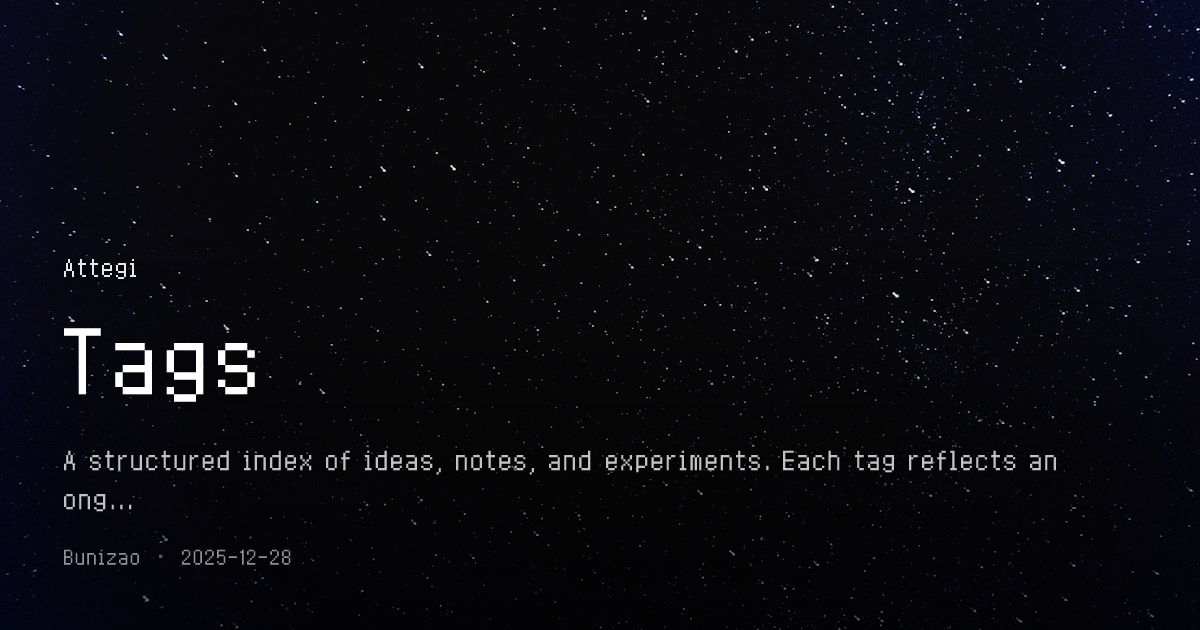
To set it up: go to Pages → New page, open the page settings, and set the Page URL to tags. Publish it. The title and text you type are not shown, because the page builds itself from your tags. Then add it to your navigation.
Making the cards look good happens in Tags, not on the page:
- A tag with a feature image gets a photo card, tinted with the image's own color.
- A tag without one gets an icon card with its description. Write one sentence per tag; it also appears at the top of that tag's archive and in search results.
- The tag's accent color tints its icon. To choose the icon itself, see Customizing Attegi.
- Internal tags (the ones starting with
#) are never listed.
The Links page
In the early days of blogging, every site had a blogroll: a short list of other sites worth reading. The Links page brings it back.
 Bunizao
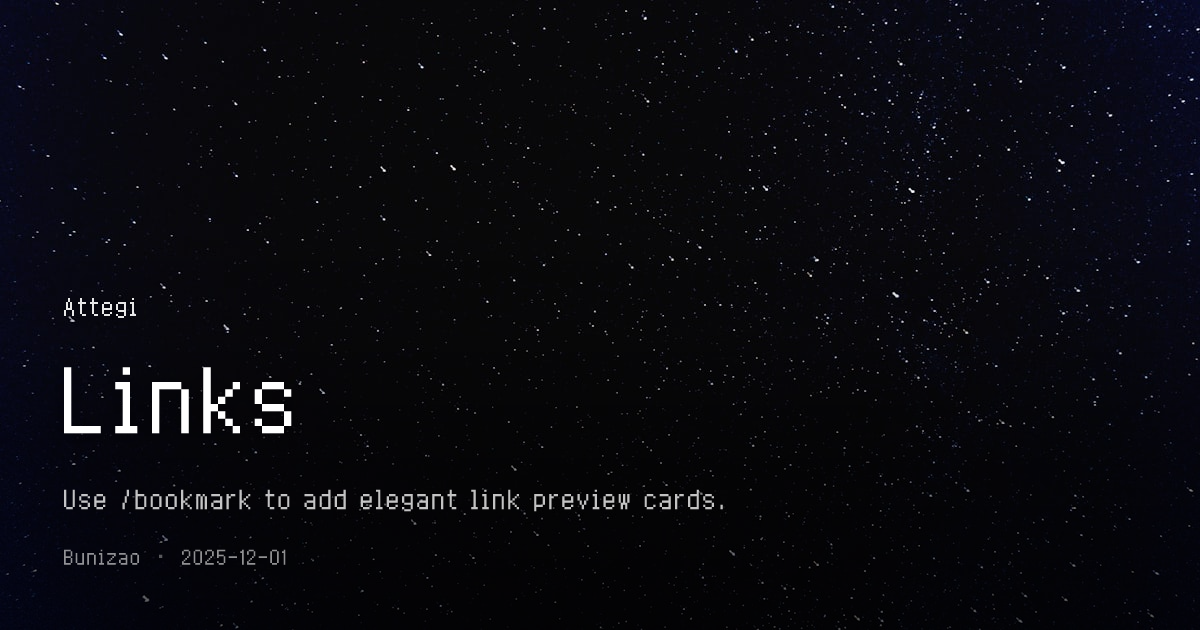
To set it up:
- Create a page with the Page URL
links. - Write one sentence in the page's Excerpt field. It appears under the title.
- In the body, paste each link on its own line and choose Bookmark when Ghost offers.
Ghost fetches the site's title, description, icon and image for you, and Attegi turns each bookmark into a card. The animated symbol at the top holds still for readers who have reduced motion turned on.
The 404 page
Everyone mistypes a URL eventually. Instead of a dead end, Attegi's 404 page keeps your header and footer, says plainly what happened, and offers a way forward: a button back home and your three latest posts, with their pictures.
There is nothing to set up. Ghost sends missing pages to the theme, and Attegi does the rest. Other server errors get a simpler page with the same header and footer and a button home.
Comments