

This page is a live specimen. Everything below was written in Ghost's standard editor and rendered by Attegi, with nothing added by hand. Keep it open in a tab while you write: when you wonder how something will look, the answer is here.
/ on an empty line in the editor.Text
Body text is set for long reading: a comfortable size, generous line height, and a line length capped at around 75 characters, which is where the eye tracks most easily. You get bold, italic, strikethrough, highlighted text, inline code, and links with an accent-colored underline.
Attegi also styles the less common HTML elements, which you can use from an HTML card:
Press Cmd + K to insert a link. CSS abbreviations show their meaning on hover. Water is H2O, and E = mc2. You can mark removed and inserted text in a changelog.
Headings build the table of contents
Use heading 2 for sections, heading 3 for subsections, and heading 4 below that. As soon as a post has two or more of them, Attegi builds a table of contents automatically. On a wide screen it sits to the left of this text; on a phone, it lives behind the round button in the bottom corner.
A fourth-level heading
Deeper headings are listed too, folded under their section until you reach it.
Lists
Bulleted lists use a small dot, a shade lighter than the text:
- Write the way you speak.
- Cut the first paragraph; the second one is usually the real start.
- Read it aloud before you publish.
Numbered lists keep their numbers just as quiet:
- Draft without editing.
- Edit without drafting.
- Publish before it feels finished.
Quotes
The difference between the almost right word and the right word is really a large matter: it is the difference between the lightning-bug and the lightning.
— Mark Twain
Click the quote button twice in the editor to get the alternative style, which is better for pull quotes and asides:
An aside is for the one sentence you want readers to remember, not the ones you expect them to skim.
Poems
Start a quote with [!poem] and it becomes a poem card, with a title, a divider, and the author set apart. The full syntax is in the Poem Card tutorial.
[!poem] "Hope" is the thing with feathers
"Hope" is the thing with feathers -
That perches in the soul -
And sings the tune without the words -
And never stops - at all -
— Emily Dickinson
Code
Code cards get syntax highlighting for 36 languages, a label naming the language, and a copy button in the corner. Set the language in the card's field, or type it after the three backticks.
function readingTime(text, wordsPerMinute = 230) {
  const words = text.trim().split(/\s+/).length;
  return Math.max(1, Math.round(words / wordsPerMinute));
}
def slugify(title: str) -> str:
    return "-".join(title.lower().split())
bun run validate # build, package and check the theme
The monospace font, JetBrains Mono, is only downloaded on pages that actually contain code.
Callouts
Toggles
Toggles fold away content that only some readers need, like an FAQ.
Do toggles work with the keyboard?
Yes. Attegi keeps aria-expanded in sync, so screen readers announce whether a toggle is open or closed.
Can I put a toggle inside a toggle?
No. Ghost's editor does not allow nested cards. Use a heading and a few toggles instead.
Tables
Tables use a Markdown card. They have no heavy borders, and on narrow screens they scroll sideways instead of squashing their columns.
| Card | Slash command | Good for |
|---|---|---|
| Callout | /callout |
Tips, warnings, side notes |
| Toggle | /toggle |
FAQs, spoilers, long details |
| Bookmark | /bookmark |
Linking to another page with a preview |
| Gallery | /gallery |
Two to nine related photos |
| Markdown | /markdown |
Tables and footnotes |
Footnotes
Footnotes also come from a Markdown card. Attegi links each marker to its note and back again, and leaves room under the header so the note is not hidden when you jump to it.
Ghost stores every post in a format called Lexical.[1] Themes never see it; they receive finished HTML.[2]
Images
Every image card offers three widths. Click any image to open it in the lightbox at full resolution; swipe or use the arrow keys to move between photos in the same gallery.

The wide setting breaks out of the text column:

Full width runs edge to edge:

Tall images are capped at 80% of the screen height, so a portrait photo never forces you to scroll past it.
Galleries
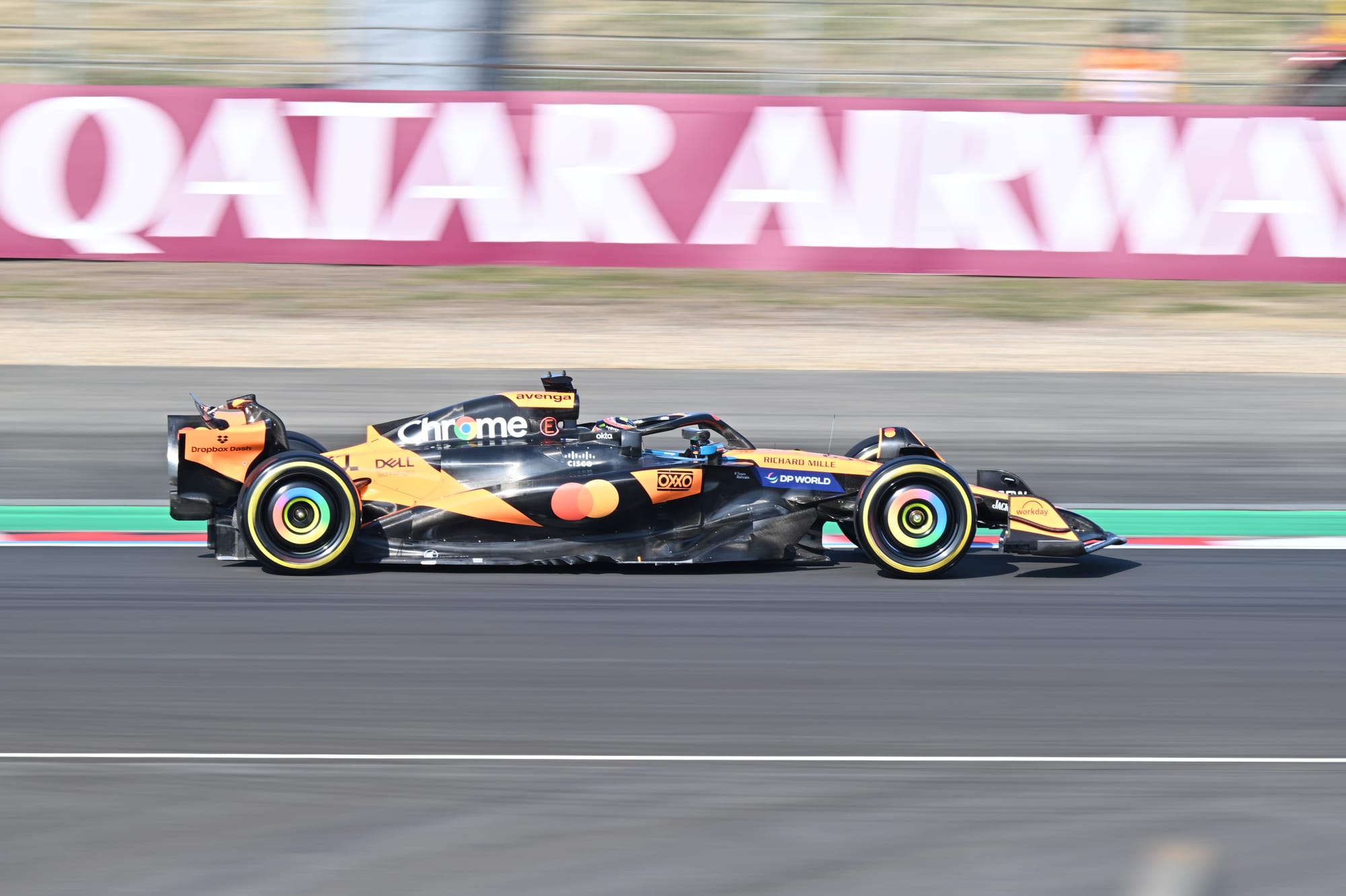
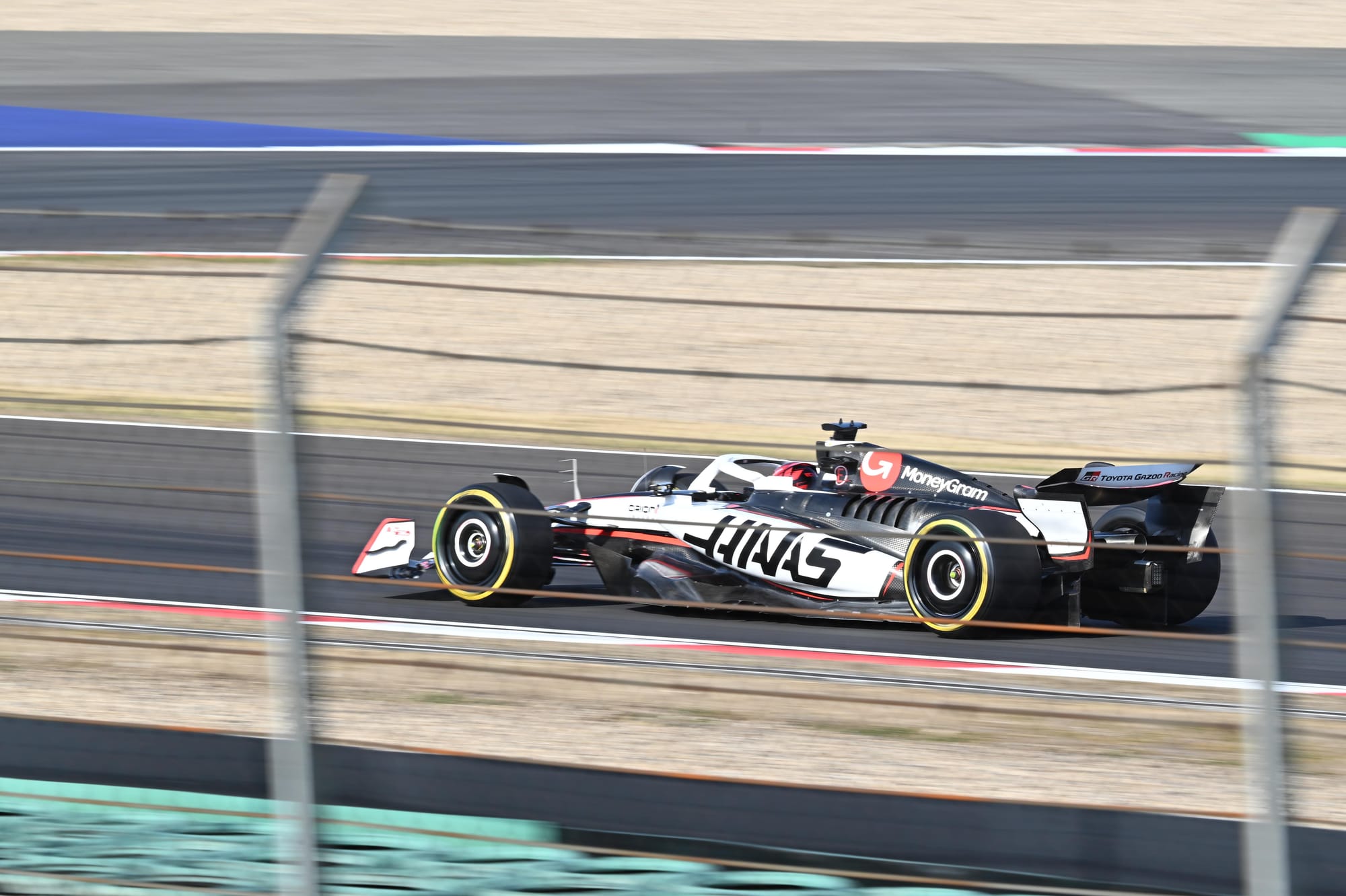
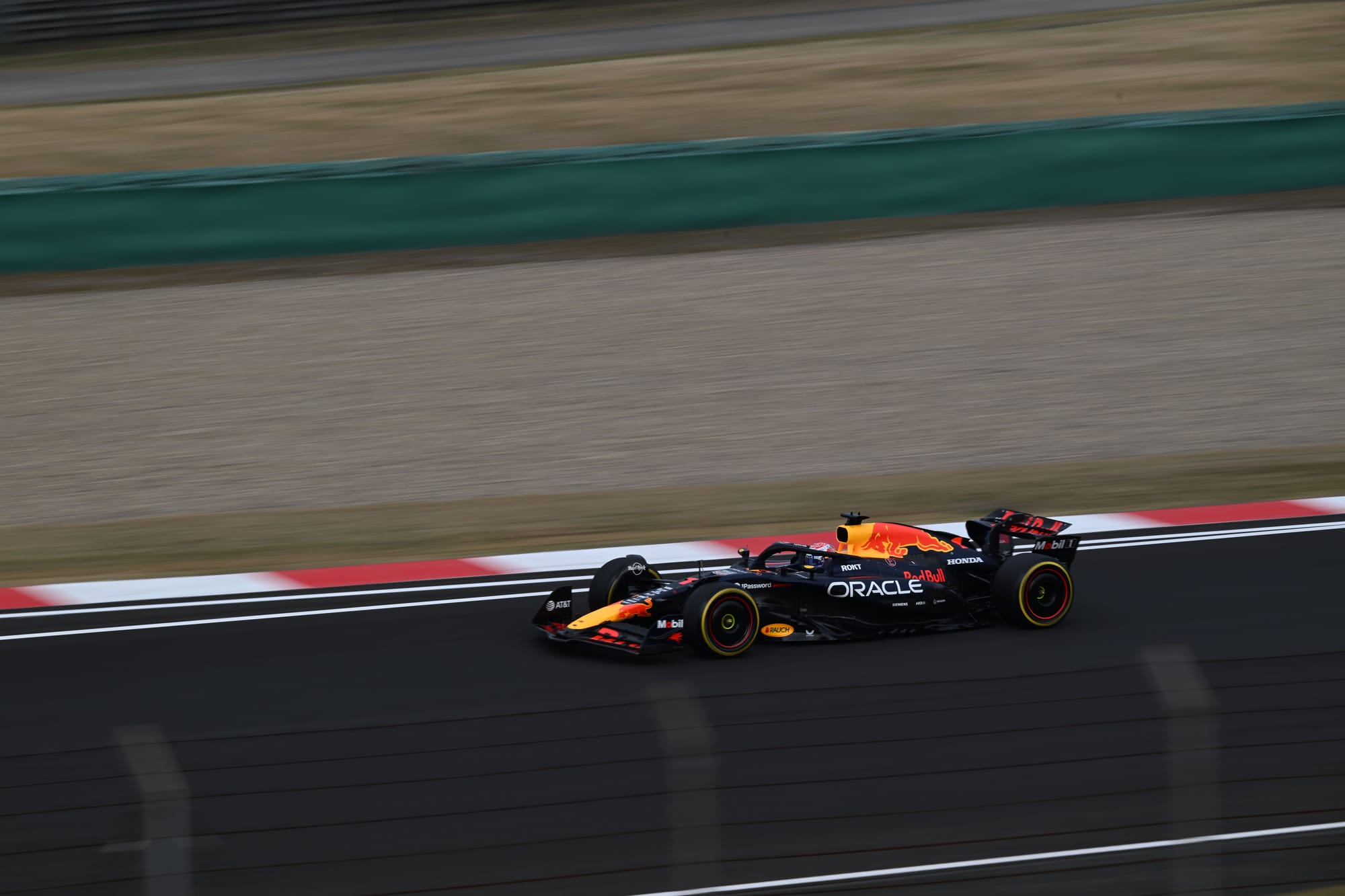
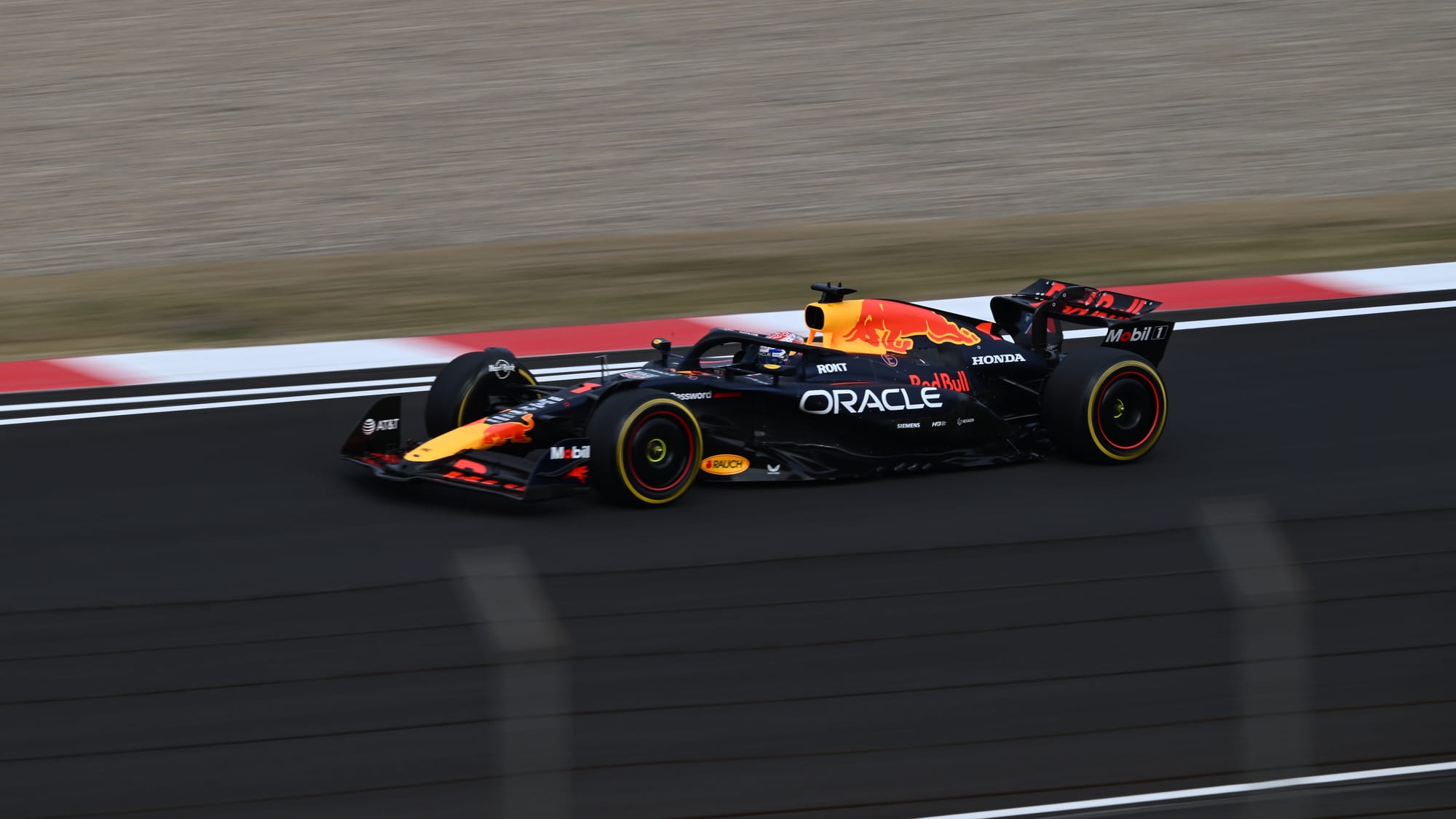
A gallery lays out each row by the photos' own proportions, so nothing gets cropped. Clicking one opens the lightbox with just that gallery's photos.
Video and embeds
Uploaded videos keep their aspect ratio, and portrait clips are scaled down so they fit on screen without scrolling.
#GitHubUnwrapped
Embedded players from YouTube, Vimeo, Bilibili, Spotify and others resize with the page. YouTube embeds switch to the privacy-enhanced youtube-nocookie.com domain automatically.
Bookmarks
Paste a link on its own line and choose Bookmark to get a preview card with the page's title, description, and image.
 bunizao
Buttons and files
The file card offers a download with its name and size:
That is the whole toolbox. Nothing here needs custom code, and every piece works in both light and dark mode. Switch themes with the button in the footer and scroll back up to check.
Comments